Technical Director| Godot | May 2026 - Present
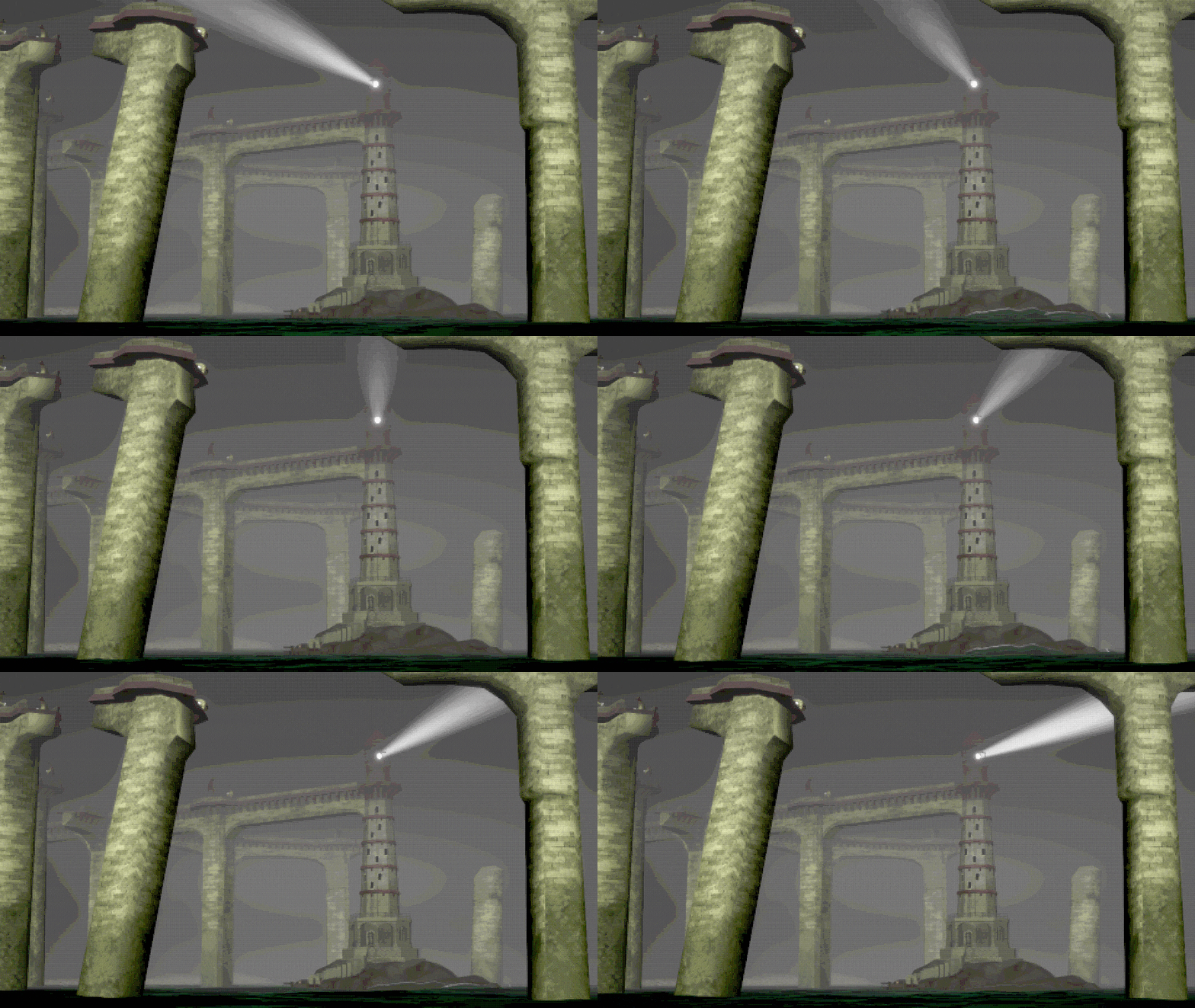
A productivity game where you progress a dark fantasy story by doing real life work. I developed the game's pipeline based on the director’s vision, wrote tools to speed up several pipelines, and am creating shaders and VFX. All content displayed below is a work in progress.
Graphics
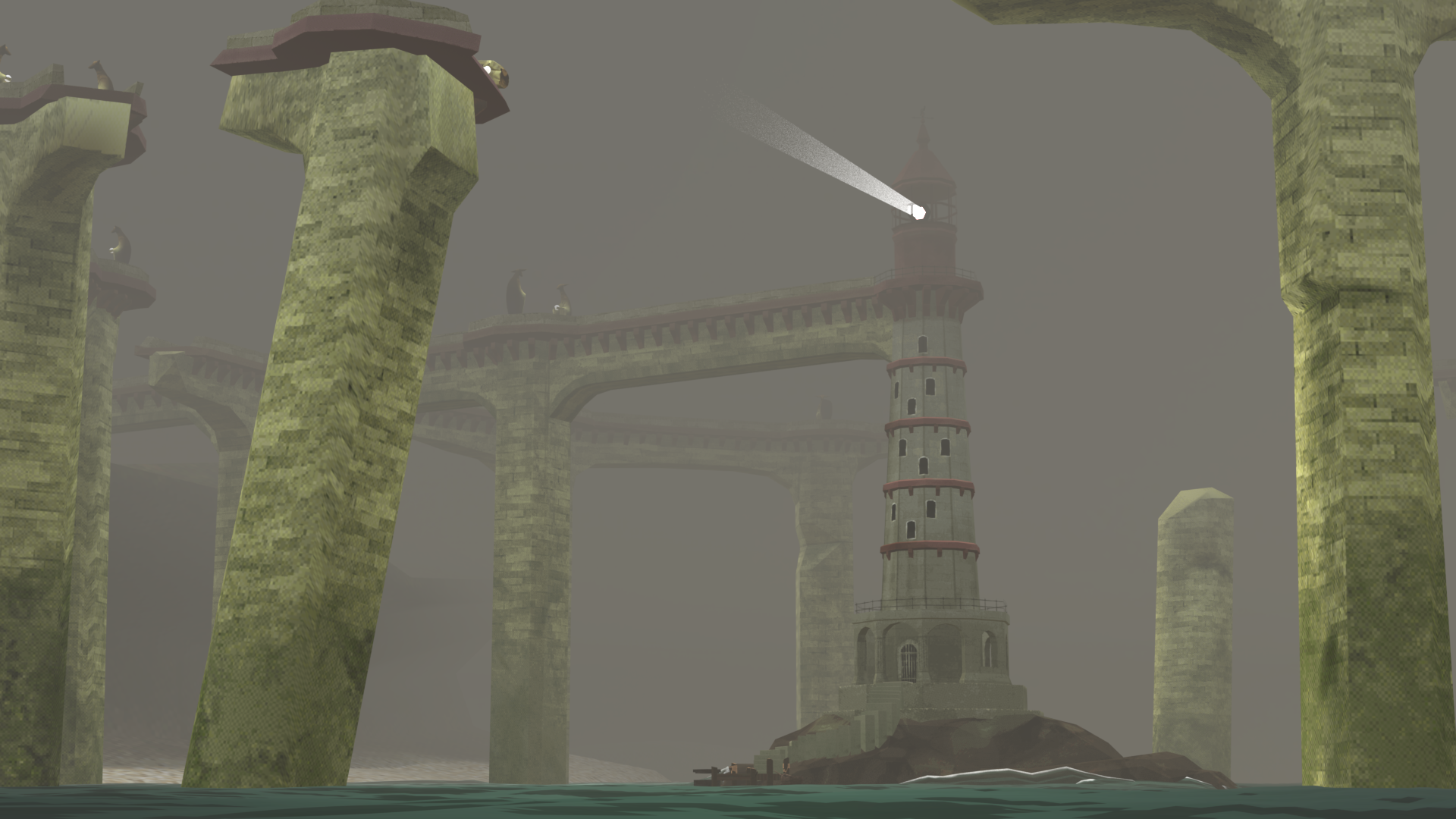
To achieve the dithered PSX look, a post-processing shader is applied on top of the camera render. It increases the size of each pixel shown on screen, reduces color depth, and applies a dithering matrix to blend between colors.
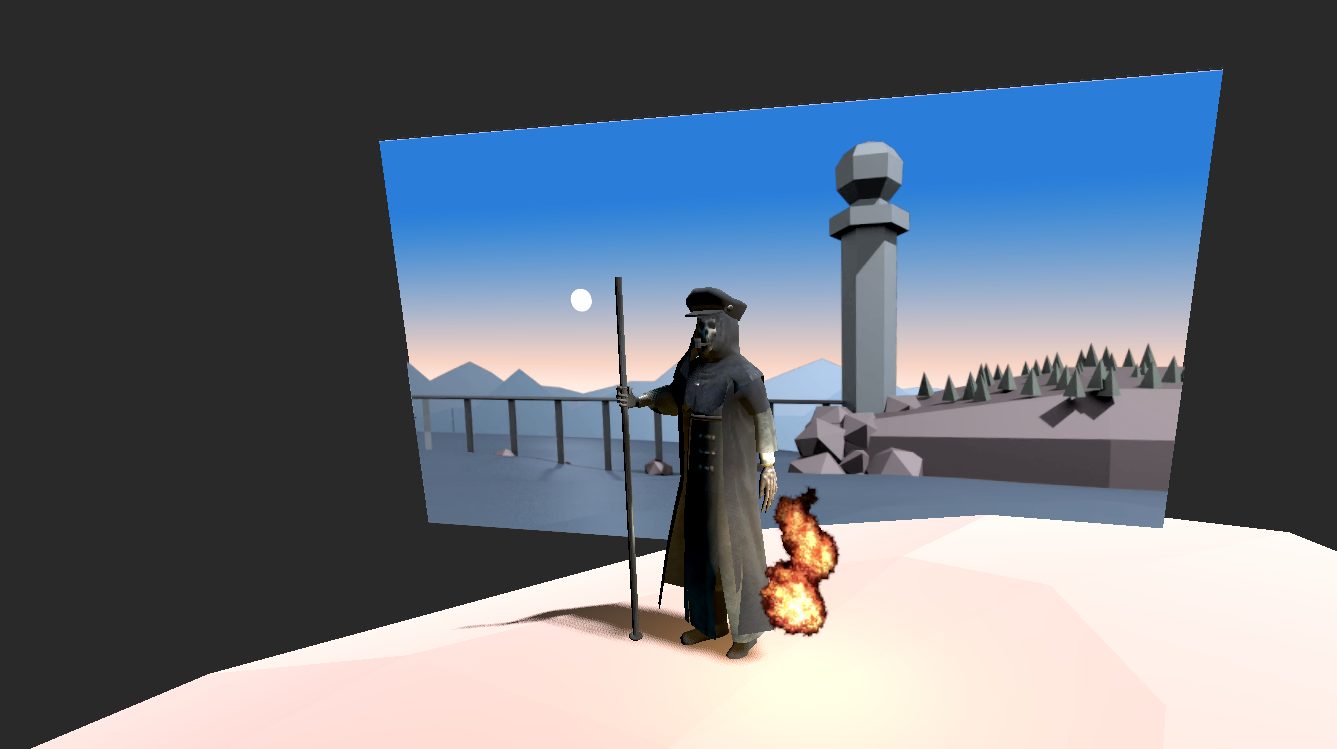
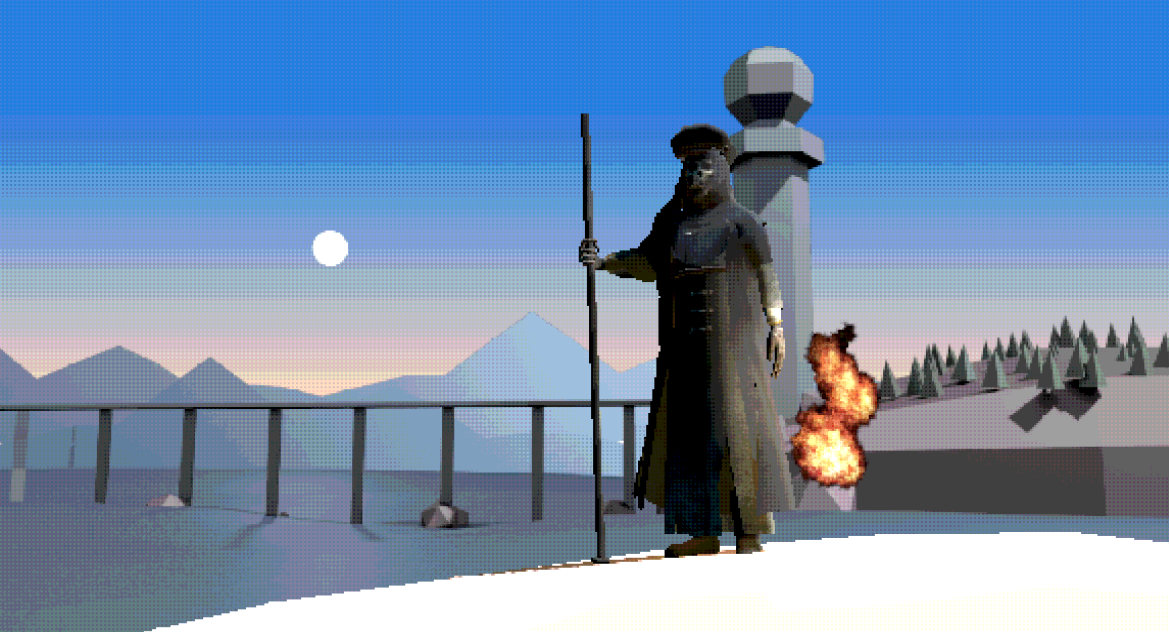
Since there won’t be free-roaming player movement, we decided to use pre-rendered backgrounds to allow for artistic freedom without the processing load of complex light systems and simulations. For greater immersion, we also developed a system that allows dynamic lighting with 2D backgrounds when needed (I.E. the light of a character’s lantern interacting with the background).
Time of Day Transitions
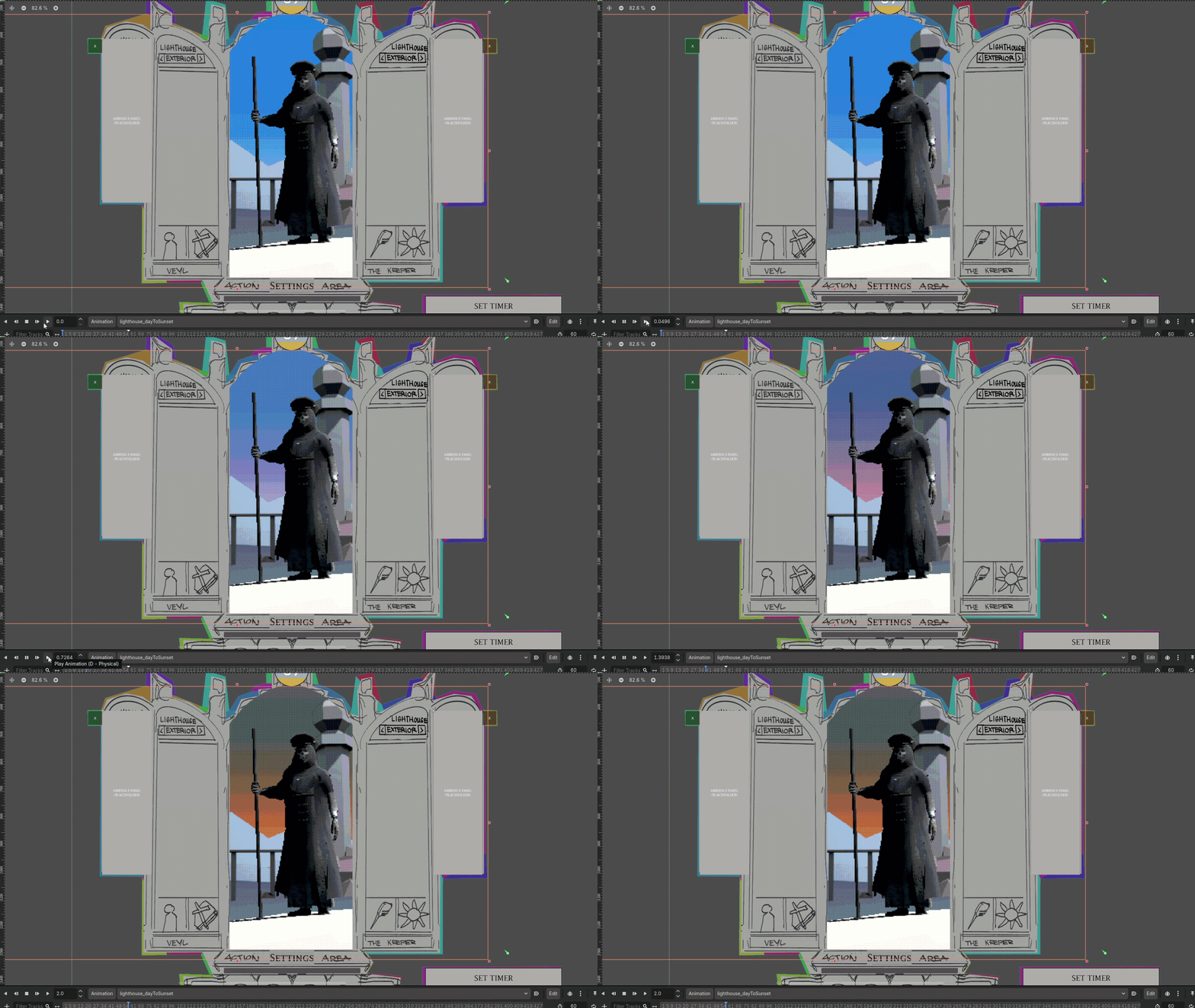
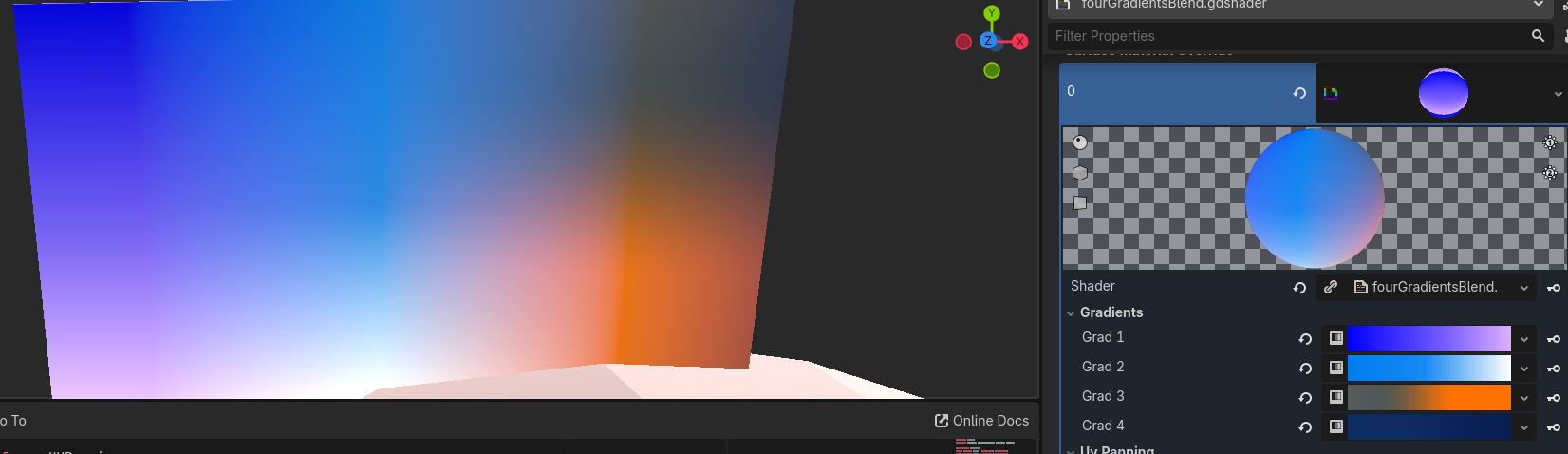
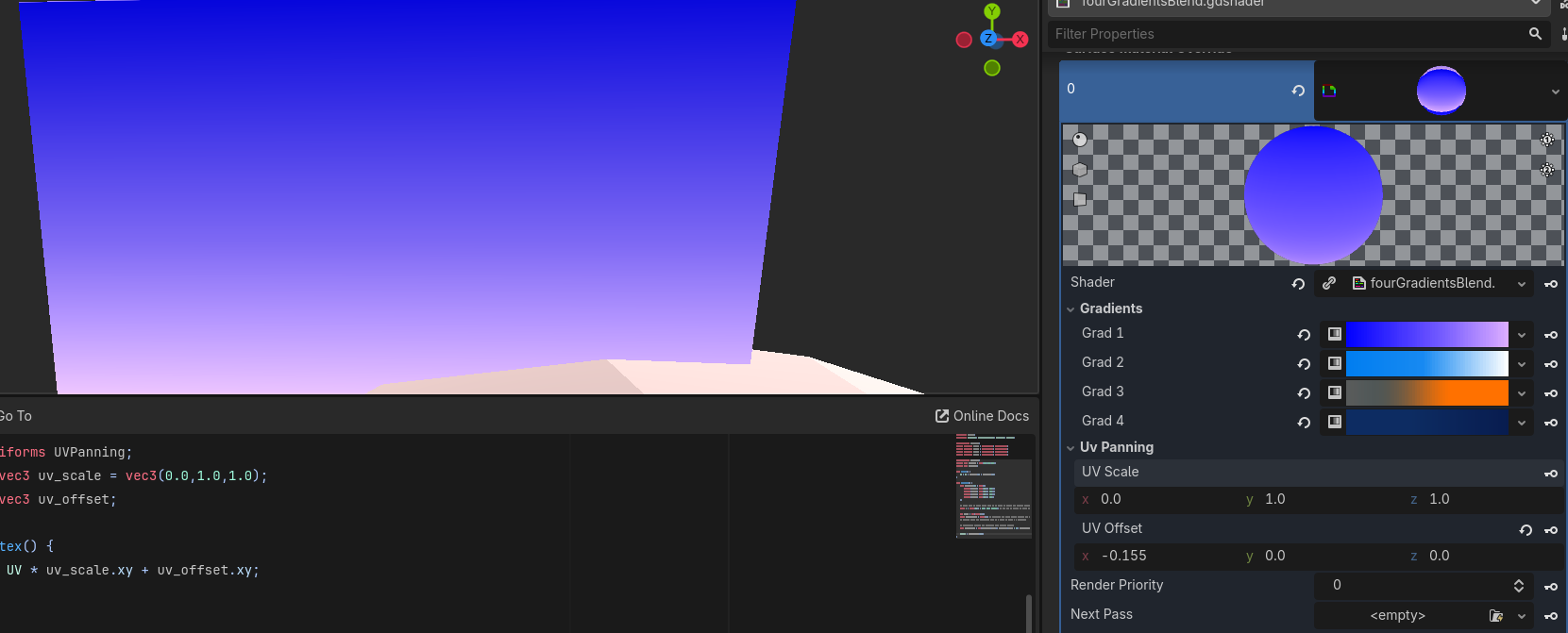
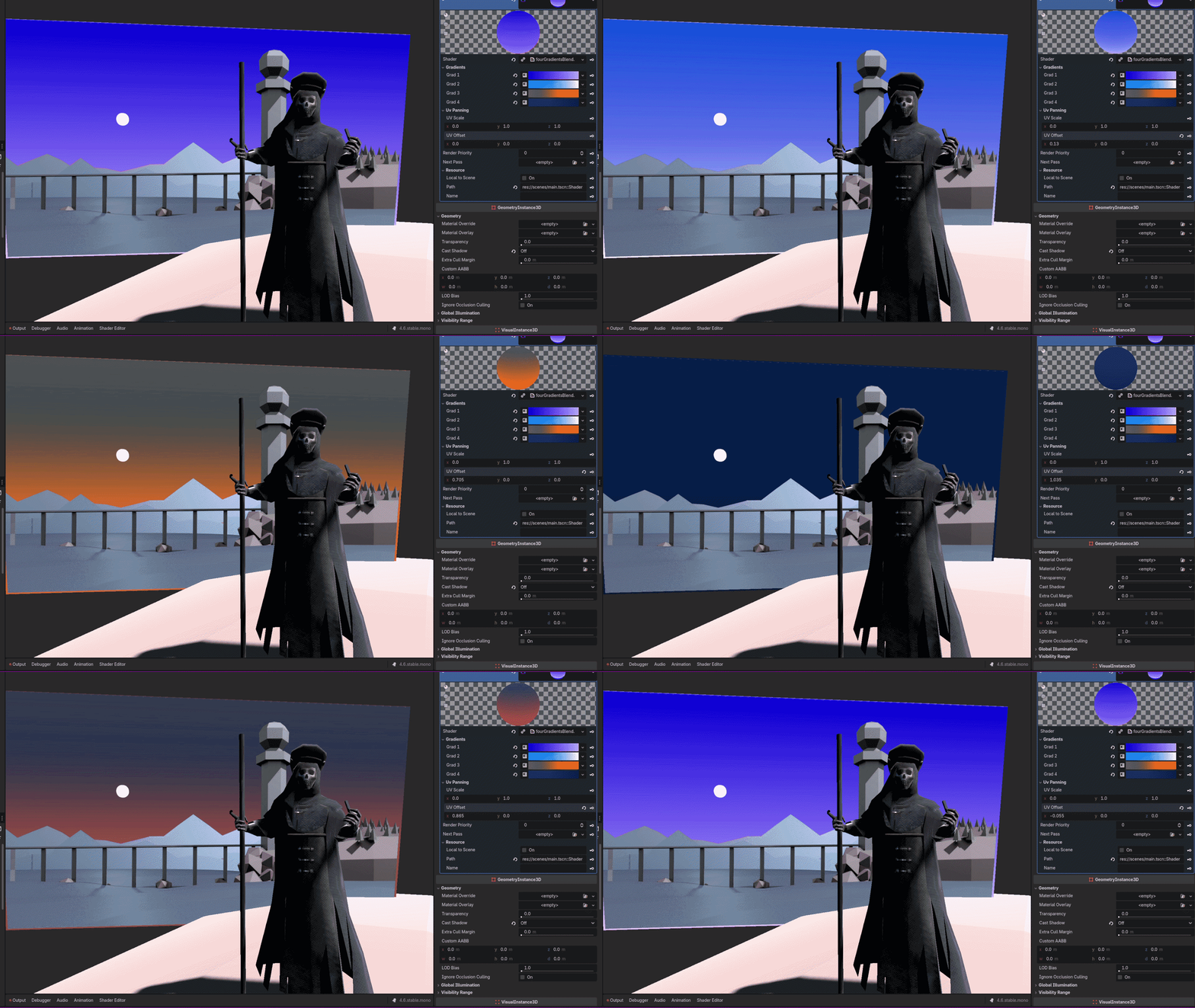
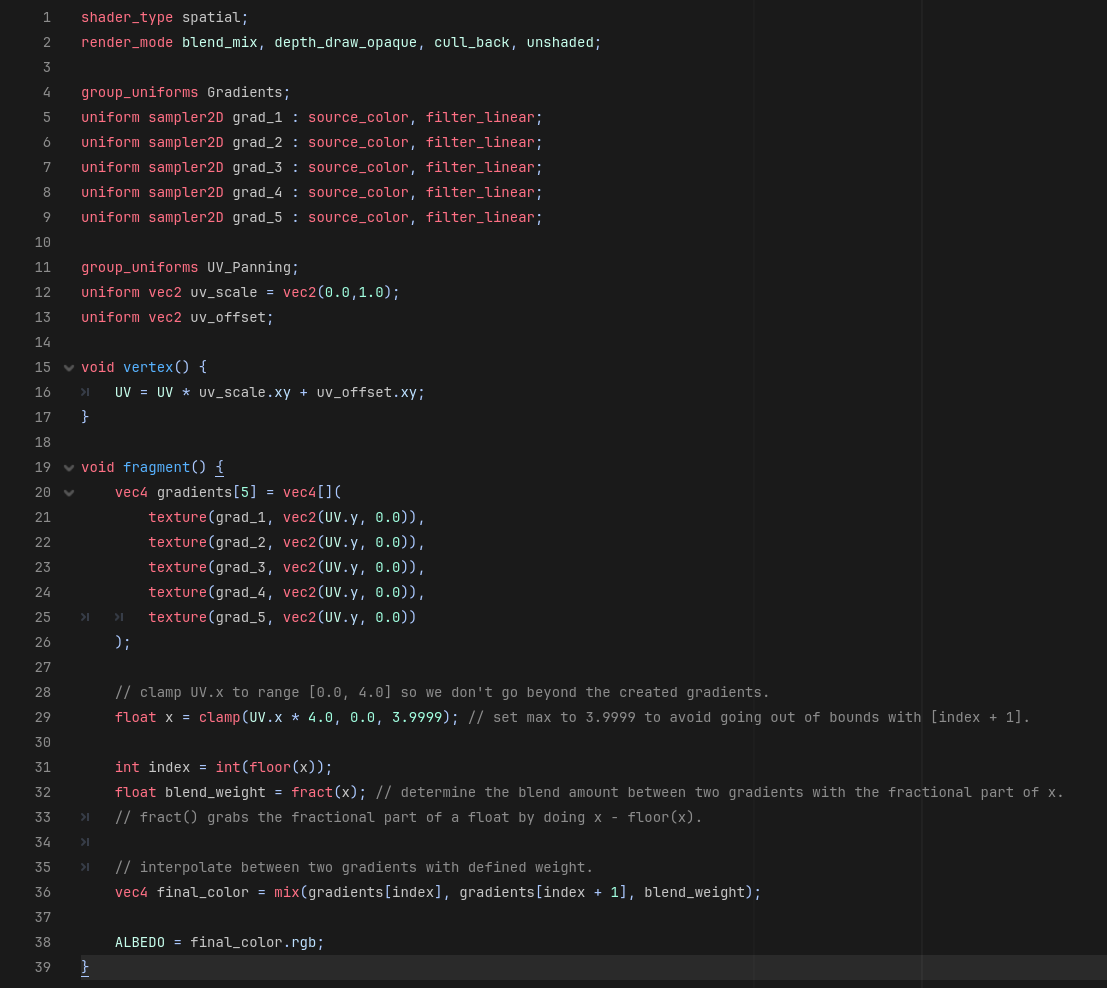
The sky is a simple gradient rendered behind background elements. Since the player will be able to change the time of day at will, I created a shader that blends multiple in-engine gradients so we can smoothly transition between them!
Tools: Blender Render Pass Exporter
GitHub Repo Link.
To save time when rendering multiple passes at once, I created a Blender addon that renders preset passes with our pre-rendered sprite conventions at the click of a button.
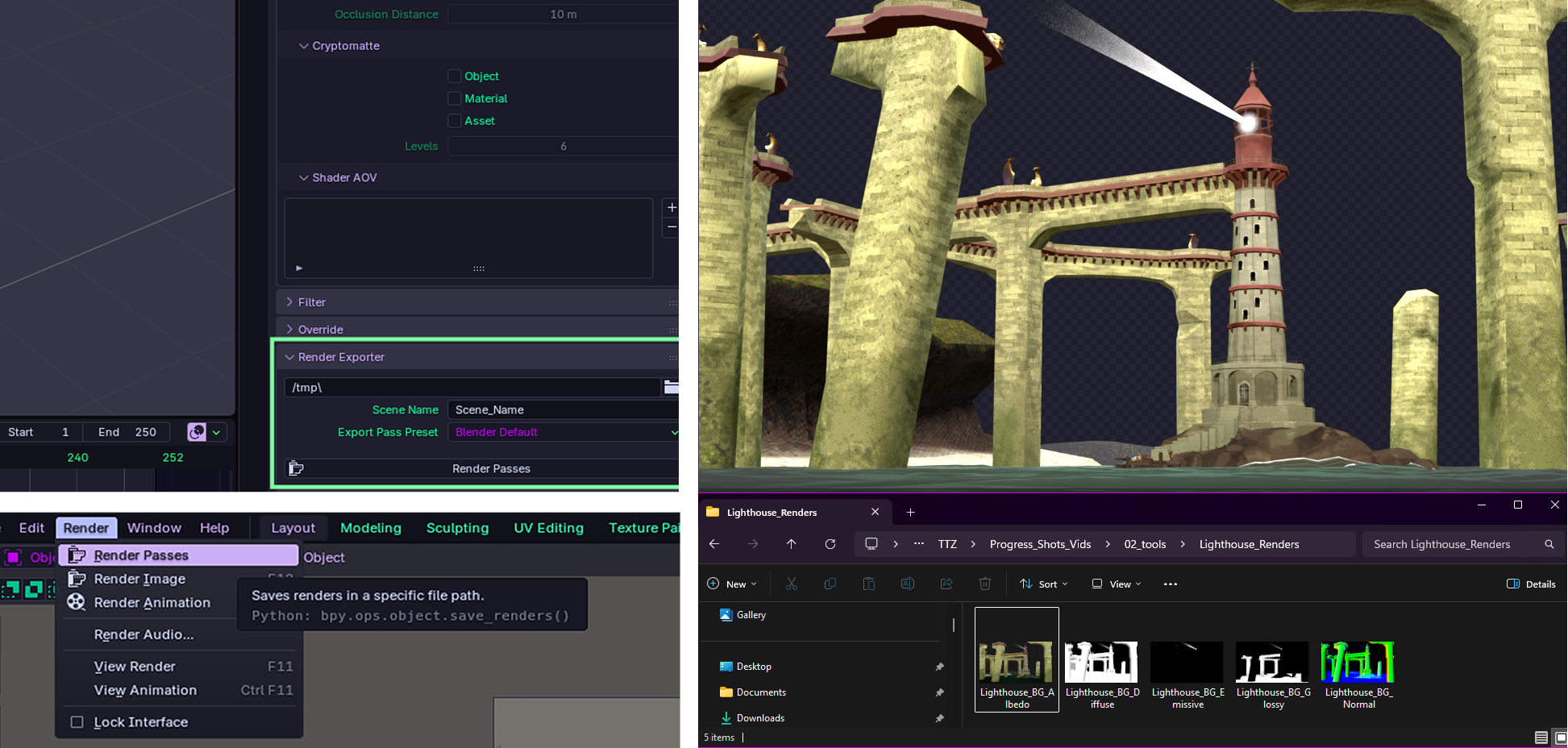
The add-on creates a node tree in Blender’s compositor with render layers and file output nodes configured to include the user’s entered variables (file name, location, render presets). For each selected view layer, the add-on configures how many color channels the image should have, and adds a suffix to denote its render type for seamless use in our materials importer (Albedo, Alpha, Glossy, etc.). Finally, it triggers a render and saves it in the specified file location.

Godot Material & Animation Importer
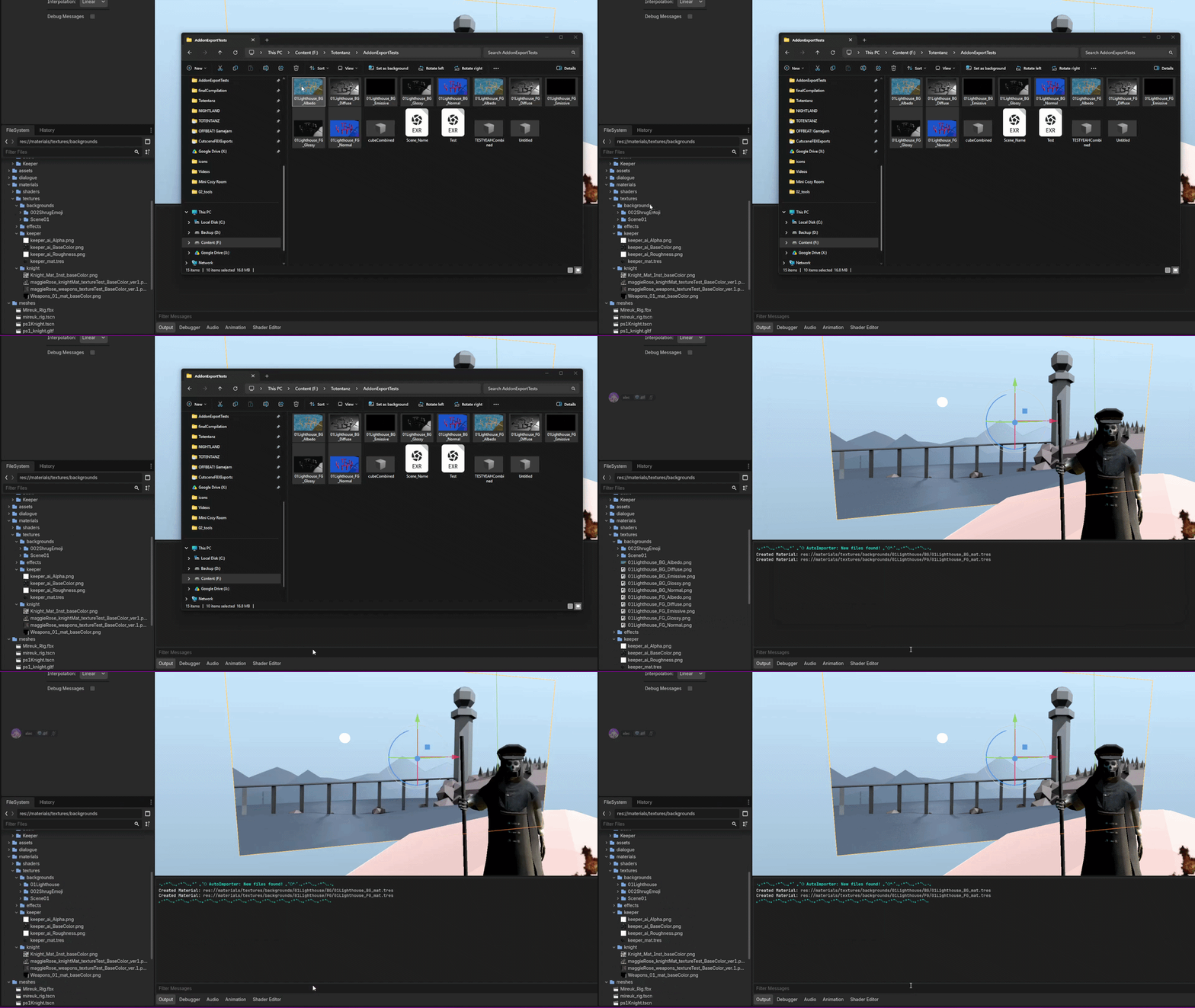
This plugin trivializes the process of importing 3D animations and creating sprite materials into a simple drag and drop!
Upon detecting an image file in a specified folder, it creates a subfolder with the scene name, batch moves the images there, and creates a material for each depth of the scene (foreground, midground, background). It then detects the images’ suffix to plug the textures into their corresponding material slot.
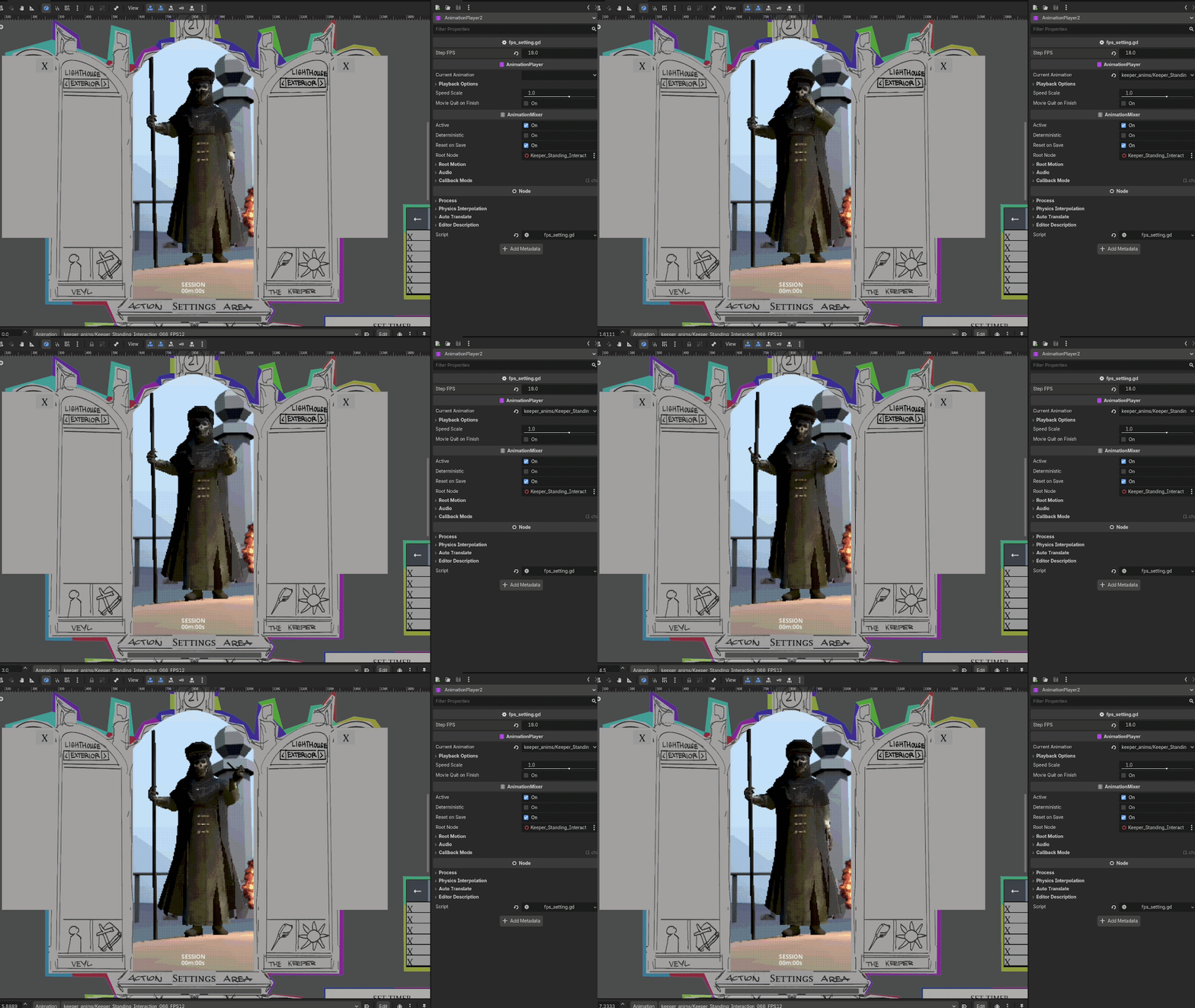
The plugin also streamlines the process of importing FBX animations made in Maya. Originally, you’d have to import animations one by one by changing the import settings, saving the animation file to disk, deleting the FBX, and loading it into the animation library.
Upon detecting a new FBX file in the animations folder, the plugin extracts the animation into the corresponding character subfolder with our determined fps, and interpolation mode. If the corresponding option is selected, it then deletes the FBX after importing.
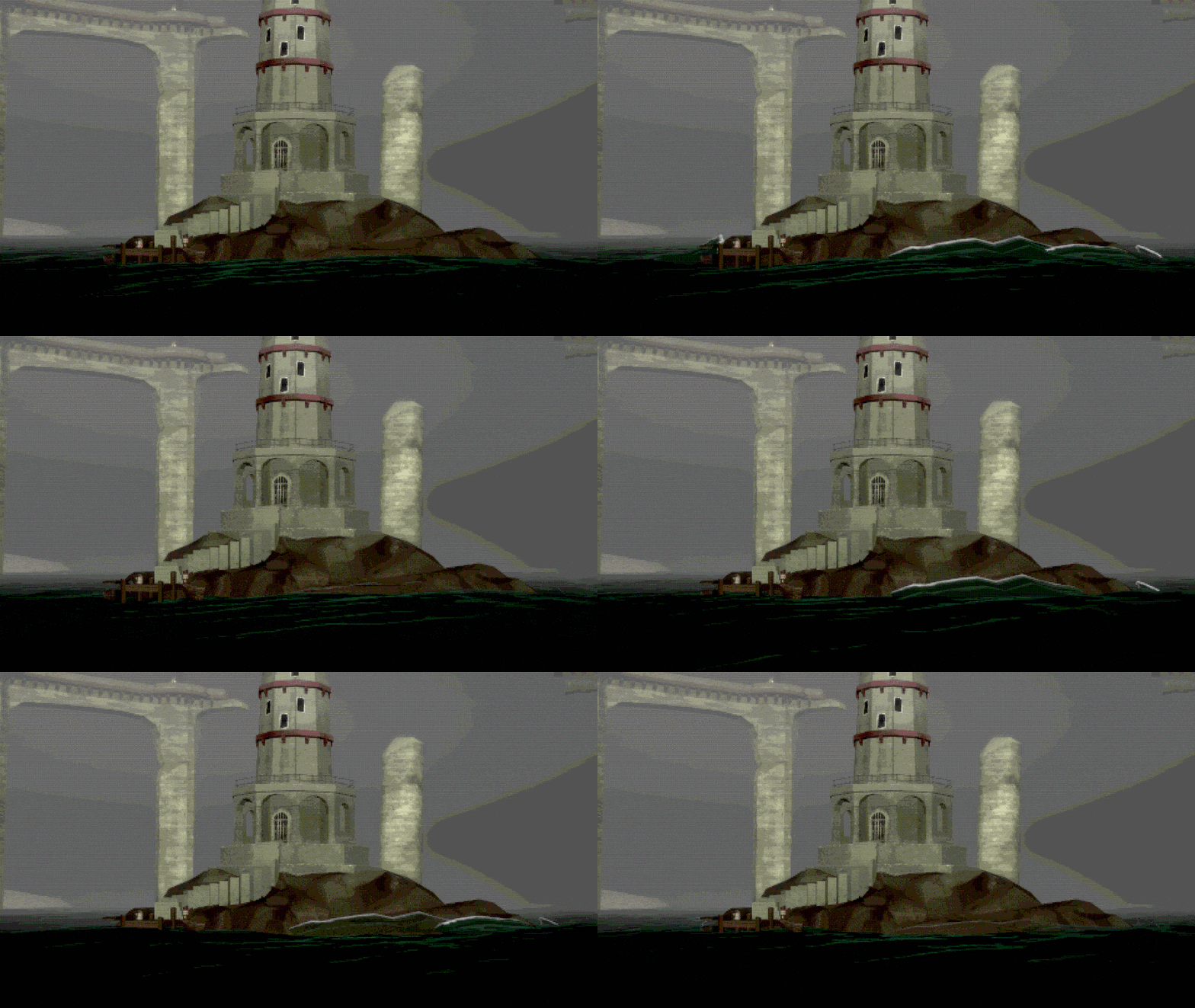
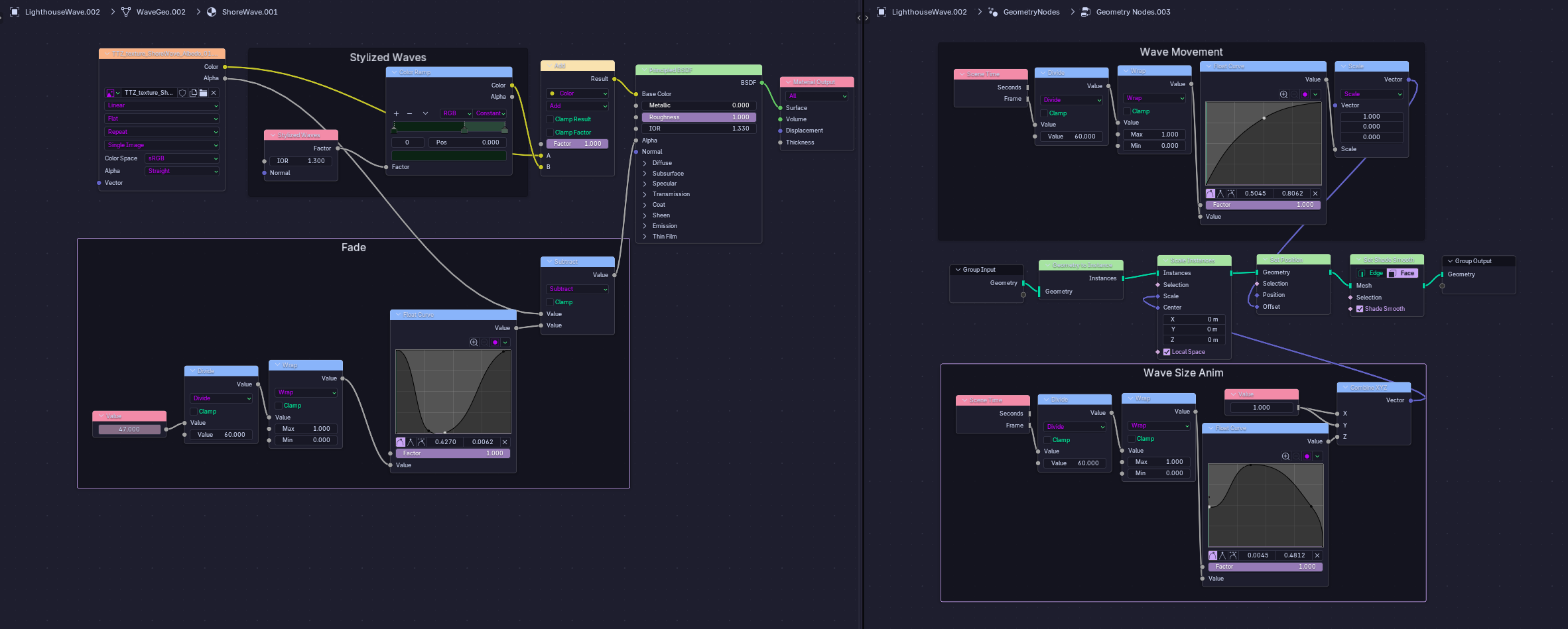
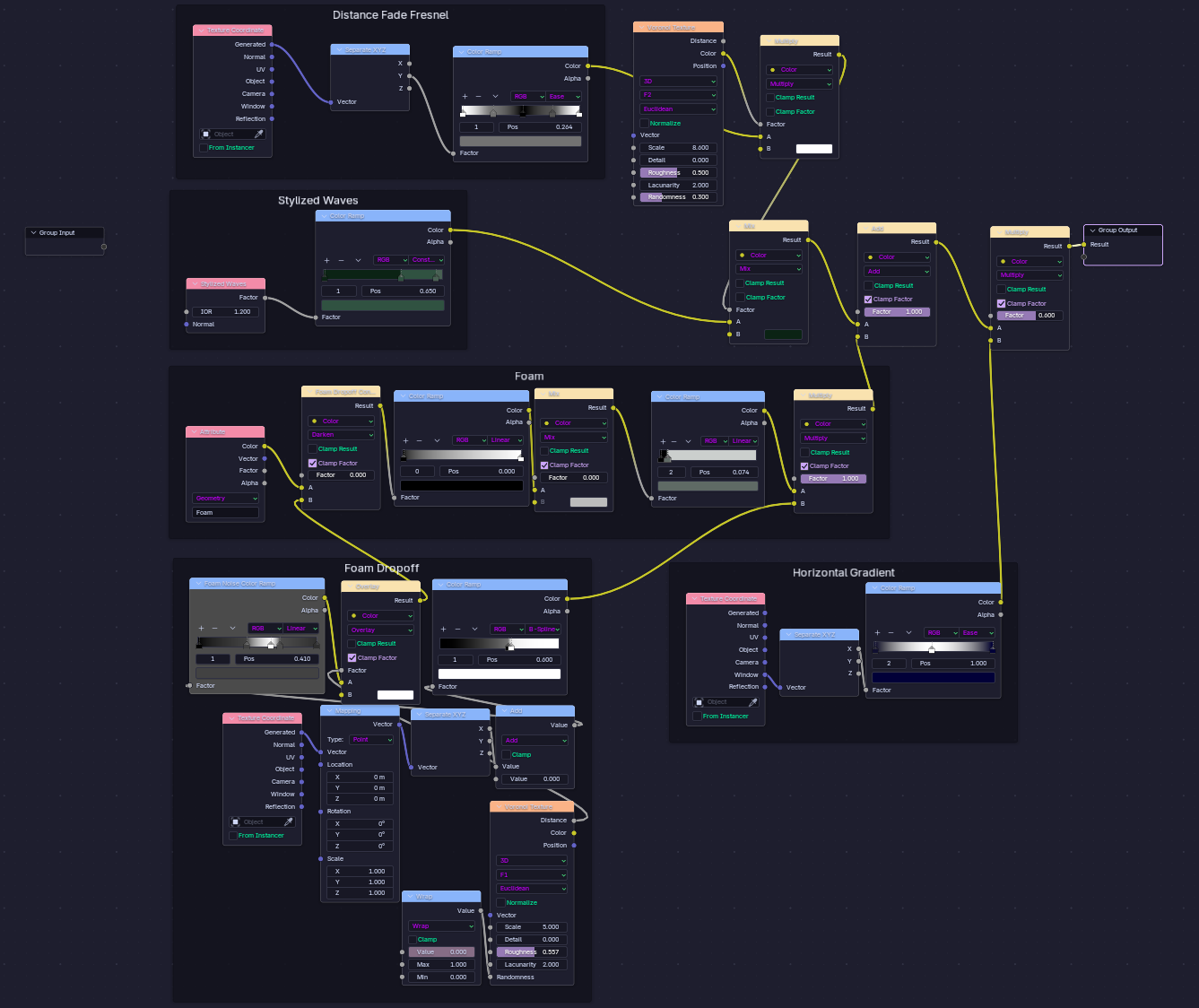
Environment FX